To add a document, image, photo, or any type of attachment follow the steps below:
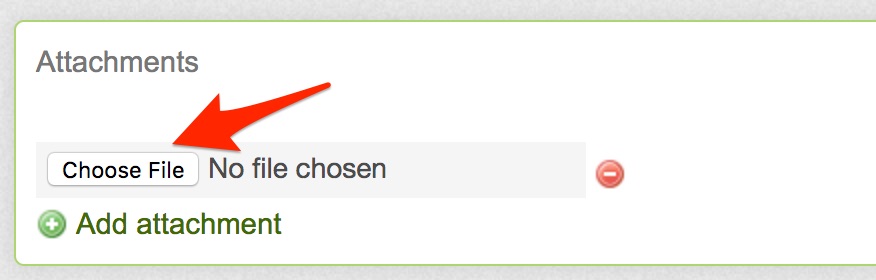
- When creating an item, click on the Add Attachment link

- You'll be able to select a file from your computer by click on Select File or Choose File button
- Click the Save button to save the item you're posting