When a user submits a message through the Contact page, once the message or enquiry has been resolved you can close the message.
This way, the message will be hidden from the default view but will be available for retrieval in the future.
To close a message follow the steps below:
1. Click on Administration
2. Click on the Messages box
3. Click on the Subject of the message
4. Scroll to the bottom of the message and comments and click on the The enquiry has been resolved and can be closed checkbox
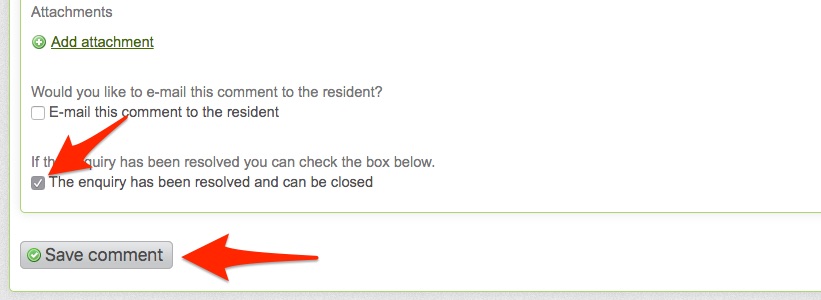
5. Click the Save comment button
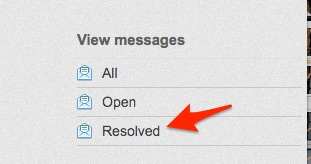
The message will be marked as resolved and you'll be able to retrieve it from the Messages page by clicking Resolved messages filter on the right hand side column.