To mark a Task as completed or closed follow the steps below:
1. Click on the Gear icon on Tasks main page
or click on the Gear icon when viewing a Task
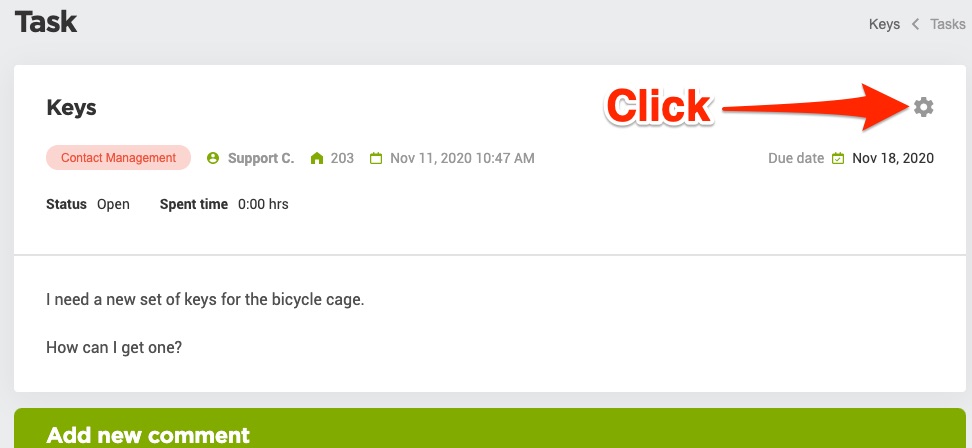
2. Click on the Complete option

3. Fill out the required information
4. Click the Save button
Type your question in the box below
Can't find your answer? Click here to send us your question.
To mark a Task as completed or closed follow the steps below:
1. Click on the Gear icon on Tasks main page
or click on the Gear icon when viewing a Task
2. Click on the Complete option
3. Fill out the required information
4. Click the Save button