To add a user, owner, or tenant to a specific Building or Unit follow the steps below:
1. Click on Administration in the main menu
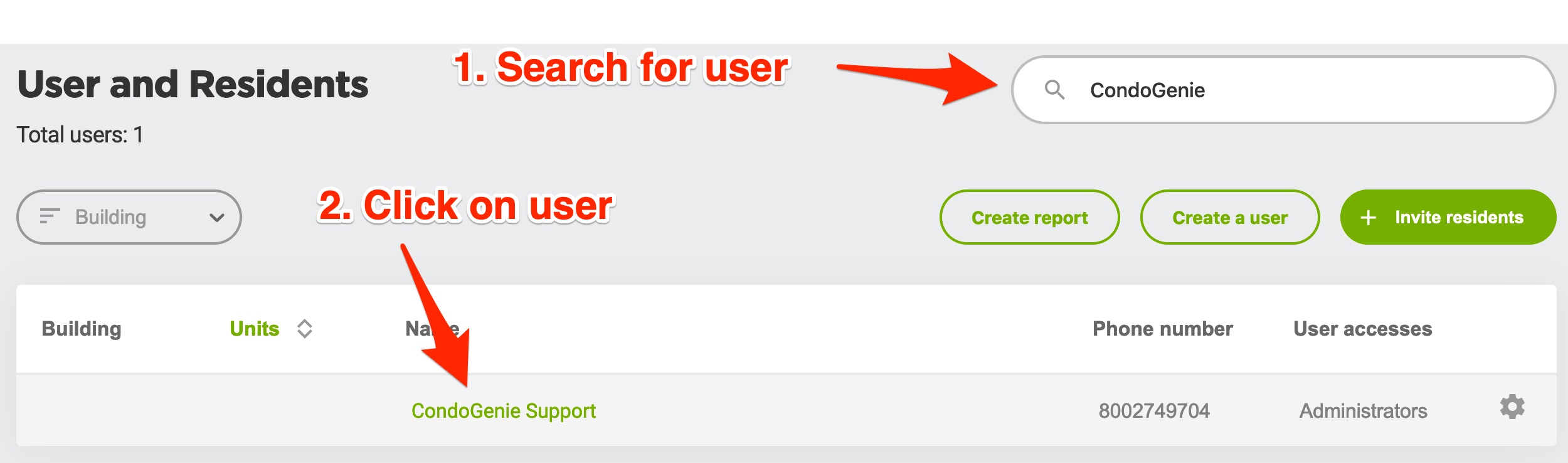
2. Click on Users and Residents
3. Search for the User in the search box, once User appears in results click User's name
4. Once User's profile loads click on Administration tab

5. Scroll down to User building section
6. If User has no building listed click on + Add another building

7. Select Building and then select Unit

8. Scroll to the bottom and click the Save button