If you have the email of an owner or resident you can send them an invite through CondoGenie.
To invite a user follow the steps below:
1. Once logged in, click on Administration on the main menu
2. Click on Users and Residents
3. Click the Invite residents button

4. Review the Invite message or edit to your liking before sending
5. In the Recipients box, type out or paste an email or multiple emails and then click on the Send invitation button
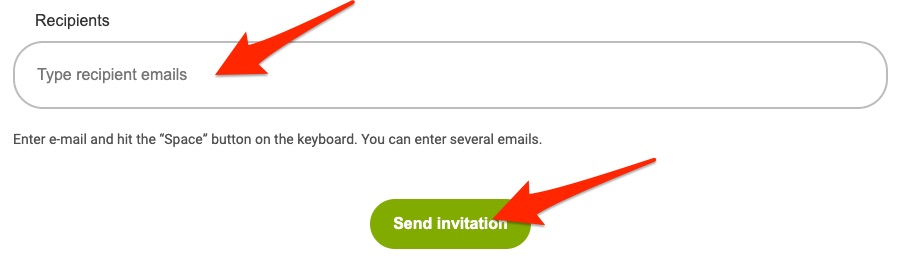
CondoGenie will send an individual email to each user after you click the Send Invitation button with the Invite message in the body of the email so the user can register for an account.